Exhibition Registration
Register for exhibition opportunities at IPAC'27
Exhibition Hall Layout
- The IPAC’27 Exhibition Hall is located on the floor directly beneath the Plenary Session Hall, ensuring convenient access and a steady flow of attendees throughout the event. Exhibition booths will be positioned in the central area shared with poster sessions and coffee breaks.
- All coffee breaks and poster sessions are located within the exhibition hall.
Interactive Floor Plan of Exhibition Hall
Hover over booths to view exhibitor details. Click an occupied booth to visit their website.
Diamond (A) — occupied
Platinum (B) — occupied
Gold (C) — occupied
Available
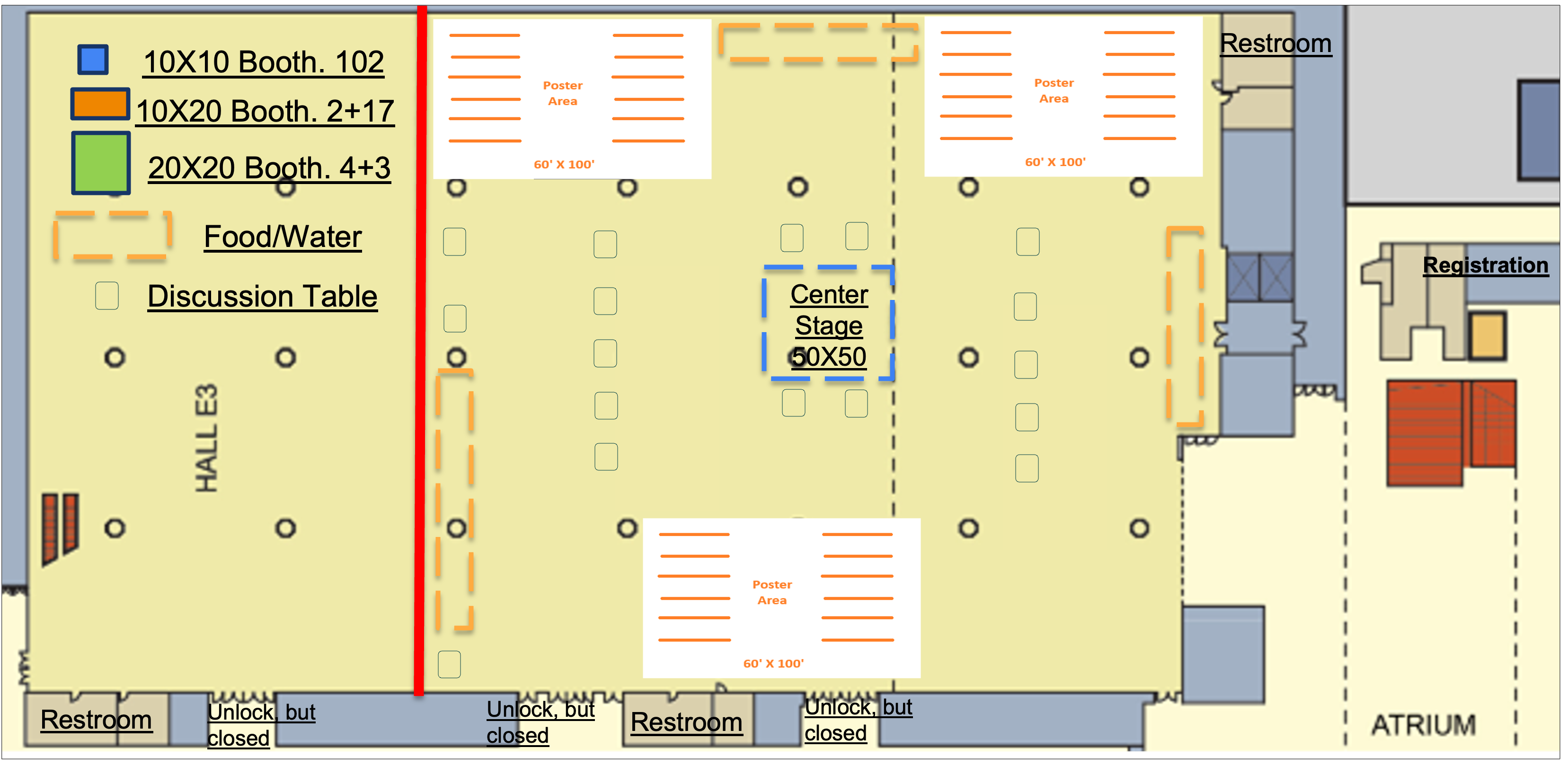
Current layout is tentative, that may have minor adjustment soon. The exact booth location is subject to change, with same tier at similar or better booth location. The occupied booth information is updated every 2 days, may not reflect the real-time availability.
Registration Procedure
- Exhibition registration will be available through the registration site below. Please select “Exhibitor Registration” and follow the subsequent instructions.
- During registration, exhibitors may select an exhibition tier. Additional charges apply for premium booth locations.
- Once booth registration is completed, complimentary registration codes for exhibitor personnel will be issued. The number of codes provided depends on the selected exhibitor tier.
Exhibitor Personnel Registration
Exhibition Personnel must follow the following steps to register to access the exhibition hall.
- Exhibitor personnel who wish to also attend the scientific program should complete the regular conference registration, and use the complimentary registration code on the payment site.
- Exhibitor personnel who plan to attend only the exhibition program may complete registration directly through the payment site using the complimentary registration code.
- In the page one of the payment site, please choose "Non-member" in the dropdown box.
- In the page four of the payment site, please select "Conference Registration".
- For the first question of the page five of the payment site, please use your confirmation number from the booth purchase 's confirmation email, instead of the Indico Ref number.
- Use the complimentary registration code provided as the discount code in the text box. The subtotal should be zero after the discount code is applied. If the subtotal is not zero, please contact the exhibition coordinator